
Download Pashto Typing Master for Windows PC
پښتو ټایپنګ ماسټر — offline Pashto keyboard lessons, practice, and speed tests with no internet. Ideal for focused practice at home or in the classroom.
Windows desktop app
One download includes the Pashto keyboard tutor, practice lessons, and typing tests — built for offline use on your PC.
ZIP file password
The installer download is a password-protected ZIP. When you extract it in Windows, enter this password exactly (copy and paste to avoid typos):
pashtotyping.com
Setup in three steps
Follow this quick flow to start practicing Pashto typing offline on your PC.
Download
Use Download offline app for Windows, then wait on the next screen while the file prepares.
Extract & install
Extract the ZIP using the password on the download card, then run the installer and complete the prompts.
Start typing
Launch Pashto Typing Master and practice with no internet connection.
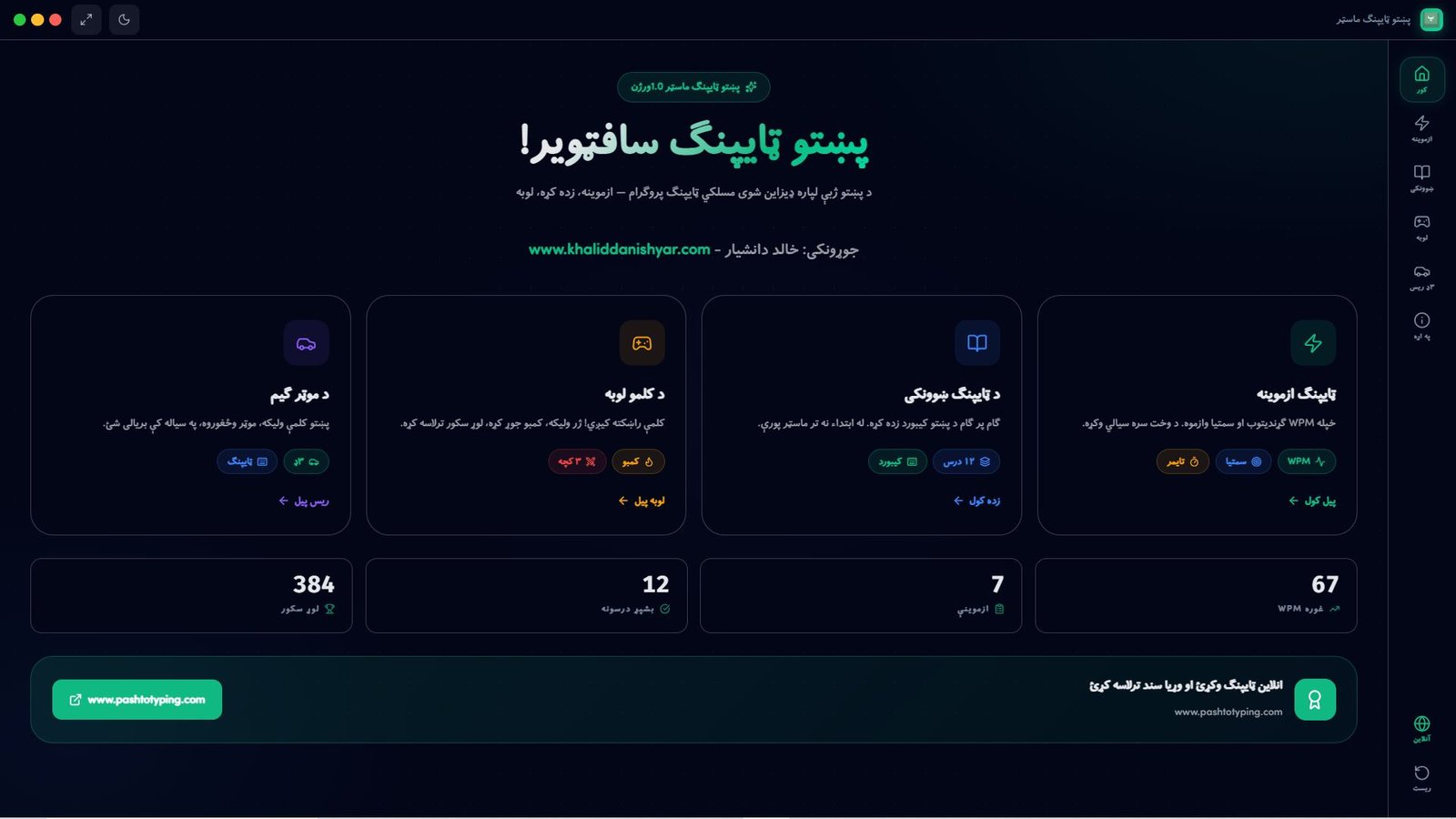
What you get offline
- Pashto typing tutor — step‑by‑step lessons with on‑screen keyboard guidance
- Speed & accuracy tests — measure WPM and accuracy on Pashto text
- 100% offline — practice anywhere; your progress stays on your computer
Need help? Visit the Help Center.
Everything you need to master Pashto typing
One lightweight installer. No internet. No distractions. Just you, your keyboard, and clear Pashto lessons.
Step‑by‑step lessons
Start from the Pashto alphabet and move to full sentences with guided lessons that build slowly.
Real Pashto keyboard view
See exactly which key produces which Pashto letter so you can memorize the layout quickly.
Speed & accuracy tests
Measure your words‑per‑minute and accuracy after each session and track your progress.
Local progress history
All your lesson history is stored on your PC — nothing is sent to any server.
Beginner to advanced drills
From single letters and simple words to full paragraphs and timed texts.
100% offline experience
Install once and practice anywhere — classroom, office, or home — with no Wi‑Fi needed.
Up and running in 4 steps
-
1
Click the Download button
Press Download offline app for Windows in the download section on this page to start the ZIP download.
-
2
Save the ZIP file
Your browser saves pashto-typing-master-download-1.1.zip to your Downloads folder.
-
3
Extract & run the installer
Right‑click the ZIP → Extract All and enter the ZIP password from the download page, open the new folder, then double‑click the installer.
-
4
Start your first lesson
Launch Pashto Typing Master from the Start menu and begin practicing immediately.
System requirements
Runs smoothly on most modern Windows computers — no special hardware needed.
-
OS Windows 7 (SP1), 8, 8.1, 10, or 11
-
RAM 2 GB or more
-
Disk ~50 MB free space
-
Keyboard Any standard keyboard
-
Internet Not required after install
Who uses Pashto Typing Master?
Frequently asked questions
Is Pashto Typing Master completely free?
Yes — Pashto Typing Master is 100% free to download, install, and use. There is no subscription, no trial period, and no hidden charges.
Does it work without internet?
Absolutely. The software works fully offline after installation. All lessons, keyboard layouts, and exercises are bundled inside the installer.
Which Windows versions are supported?
Pashto Typing Master supports 64-bit Windows 7 (with Service Pack 1), 8, 8.1, 10, and 11. Install the latest Windows updates on older systems for the most reliable experience.
How is this different from the online typing tutor?
The desktop software runs offline on your PC. Our online typing tutor works in the browser and also lets you earn a Pashto typing certificate. Both are free.
How do I install it?
Download the password‑protected ZIP, extract it using the password shown on the download page, run the installer, and follow the on‑screen steps. Installation usually takes less than a minute.
Is the software safe to install?
Yes. The installer contains no ads, no bundled programs, and no data collection.
Explore more free Pashto typing tools
While you use the desktop app, you can also practice online, earn certificates, and play games in your browser.